Prepaid International Calls: Common Questions
Prepaid International Calls: Common Questions
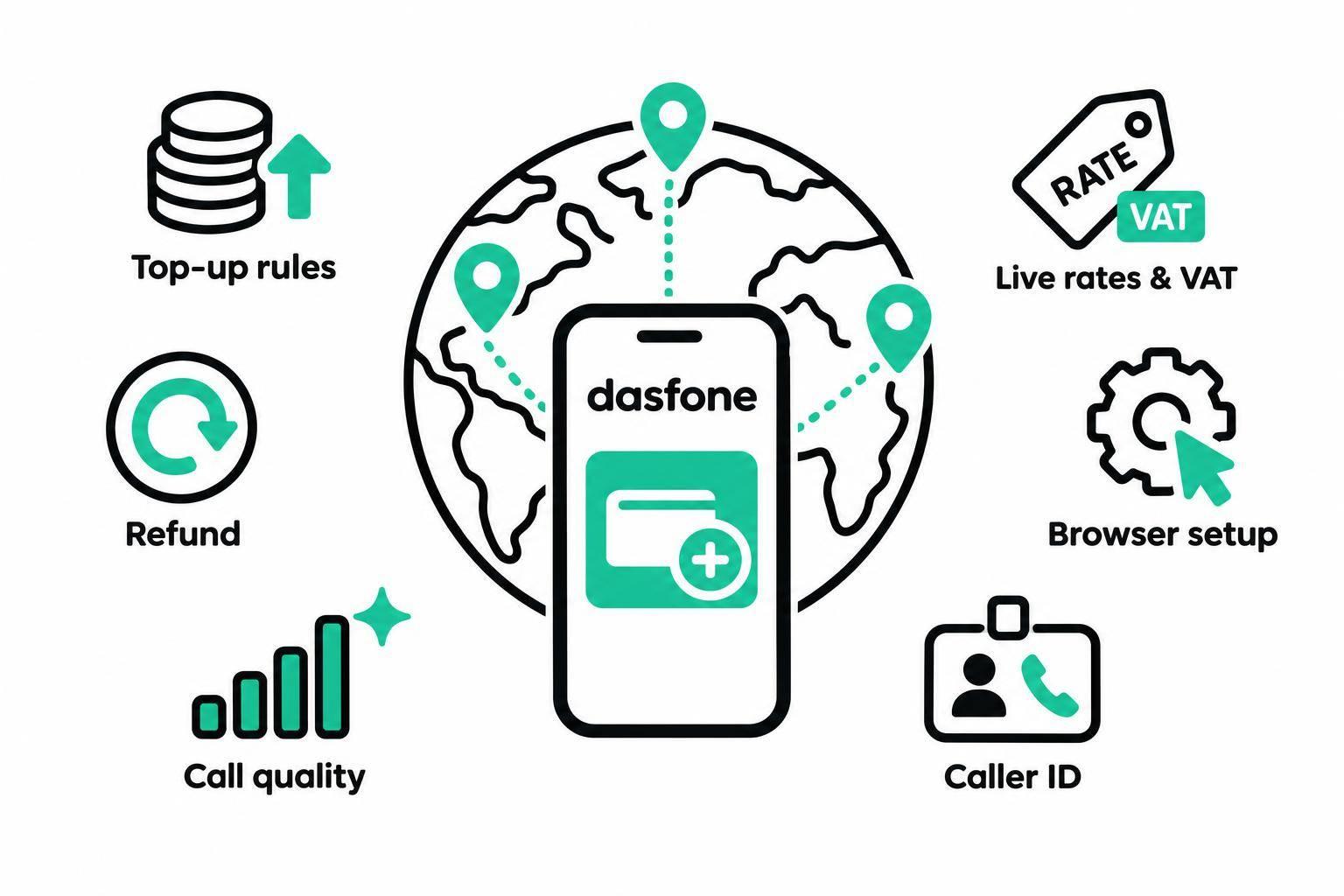
With dasfone, prepaid international calls start with a $5 top-up - no subscription or app required. Calls run through a desktop or phone browser, and recipients answer on their regular phones.
Before adding credit, check these points:
- Costs: Rates vary by destination and number type. Check the live rate and any VAT at checkout.
- Credit and refunds: Credit doesn’t expire, but purchased credit is generally nonrefundable. Requests involving technical errors or service failures must be made within 30 days of purchase; approval is at dasfone’s discretion.
- Call setup: Allow microphone access, use a stable internet connection, and dial the full number with its country code.
- Caller ID and security: Caller ID display can vary. Protect account access and review call history and balance activity, including after dropped calls.
Prepaid Credit, Rates, and Refunds
Minimum Top-Up and Call Charges
Charges come out of your balance as the call runs. If your balance runs too low, the call may disconnect.[1]
To estimate a call’s cost, multiply the live per-minute rate by the minutes you expect to talk. Rates exclude VAT; any applicable VAT is added at checkout based on your billing country.[1]
Rates depend on the destination and number type.[3]
For example, published U.S.-to-U.K. rates start at $0.03 per minute for landlines and $0.05 per minute for mobile numbers.[2]
What happens to leftover credit depends on the account policy.
Unused Credit and Expiration
Prepaid credit does not expire. However, you lose any remaining balance if your account is terminated for a Terms violation.[1]
Refund Rules and Requests
Having credit left in your account doesn’t mean you qualify for a refund. Purchased credit is generally nonrefundable. Dasfone may, at its discretion, refund purchases affected by technical errors or service failures if you request a refund within 30 days of purchase.[1]
Email support@dasfone.com with your account email, purchase date, amount, and transaction or receipt reference. Don’t send passwords, verification codes, or your full card number.[1]
Calling From a Desktop or Mobile Browser
Calling From Your Phone’s Browser
Once you’ve added credit, you can call directly from your browser. The steps are the same on mobile: sign in, allow microphone access, and dial the full international number, including the country code.
Use an up-to-date browser with microphone access enabled. If you previously blocked access, turn on the site’s microphone permission in your browser settings.
Before dialing, check your connection, balance, and live rate. If you’re calling an overseas office, check its business hours and have the extension ready.
What Recipients Need to Answer
Recipients answer on a regular landline or mobile phone. They don’t need dasfone, an account, or internet access. Before calling offices, banks, or service numbers, confirm that the destination and number type are supported.
When Your Internet Connection Drops
An unstable connection can stop a call from connecting, interrupt the audio, or end an active call. On a phone, keep the browser tab open and the screen unlocked.
Before redialing, check your connection, call history, transaction record, and balance - especially if the recipient’s phone may have rung. Don’t assume a call that appeared to fail was free. If something looks wrong, note the call time and destination number so you can share them with support.
If your connection is stable but the call still sounds off, check call quality and caller ID next.
Call Quality, Caller ID, and Security
Audio Quality and Troubleshooting
Call quality depends on your microphone, browser permissions, and network stability. Start with these common audio checks.
| Symptom | Possible cause | Corrective check |
|---|---|---|
| No microphone input | Denied permission, muted mic, or wrong input device | Review permissions, unmute the mic, select the correct input, then reload. |
| One-way audio | Permission or headset issue, wrong audio device, restrictive network, or a problem with the recipient’s phone or network | Check mic and speaker permissions, reconnect the headset, try another network, and ask the recipient to check their phone. |
| Dropped calls | Network switching or an overloaded device | Move closer to the router, use a wired connection or strong 5 GHz Wi-Fi, close heavy tabs or apps, and avoid switching networks. |
| Delay or echo | Network delay, background traffic, speaker feedback, or the recipient’s network conditions | Pause downloads and streaming, use a headset, reduce background traffic, and test another connection. |
If the audio works well, check caller ID next.
Existing Number or Dedicated Caller ID
For browser-based calls, you can use an existing verified number or buy a dedicated caller ID through dasfone. Before buying, check availability, pricing, and verification rules for your country. A dedicated caller ID gives you a separate outgoing identity, but it doesn’t automatically include inbound calling.
What recipients see depends on the country, carrier, and number type. Caller ID can be spoofed, so verify unexpected requests using the organization’s official contact details.[4][5]
Protecting Your Account and Balance
Protect your prepaid credit with a strong password you don’t use elsewhere. Lock your device, and avoid signing in on shared devices.
Review your call history, balance activity, and account changes regularly. If anything looks unfamiliar, change your credentials promptly and contact official support. Grant microphone access only to the calling site, then revoke it after the call.
Conclusion: Checks Before You Call
- Check pricing: Before adding credit, confirm the top-up amount, current call rate, and refund rules.
- Check your setup: Once you’ve checked pricing, make sure microphone access is enabled and your connection is stable. Make a short test call before any time-sensitive conversation.
- Confirm caller ID and charges: Caller ID display can vary, so let the recipient know which number may appear. After the call, check your call history and balance for unexplained charges.
Related Articles
Ready to Make International Calls?
Try dasfone today and make your first international call in seconds. No app download, no subscription—just instant, affordable calling from your browser.
Start Calling Now