International Calling Guide: Everything You Need
International Calling Guide: Everything You Need
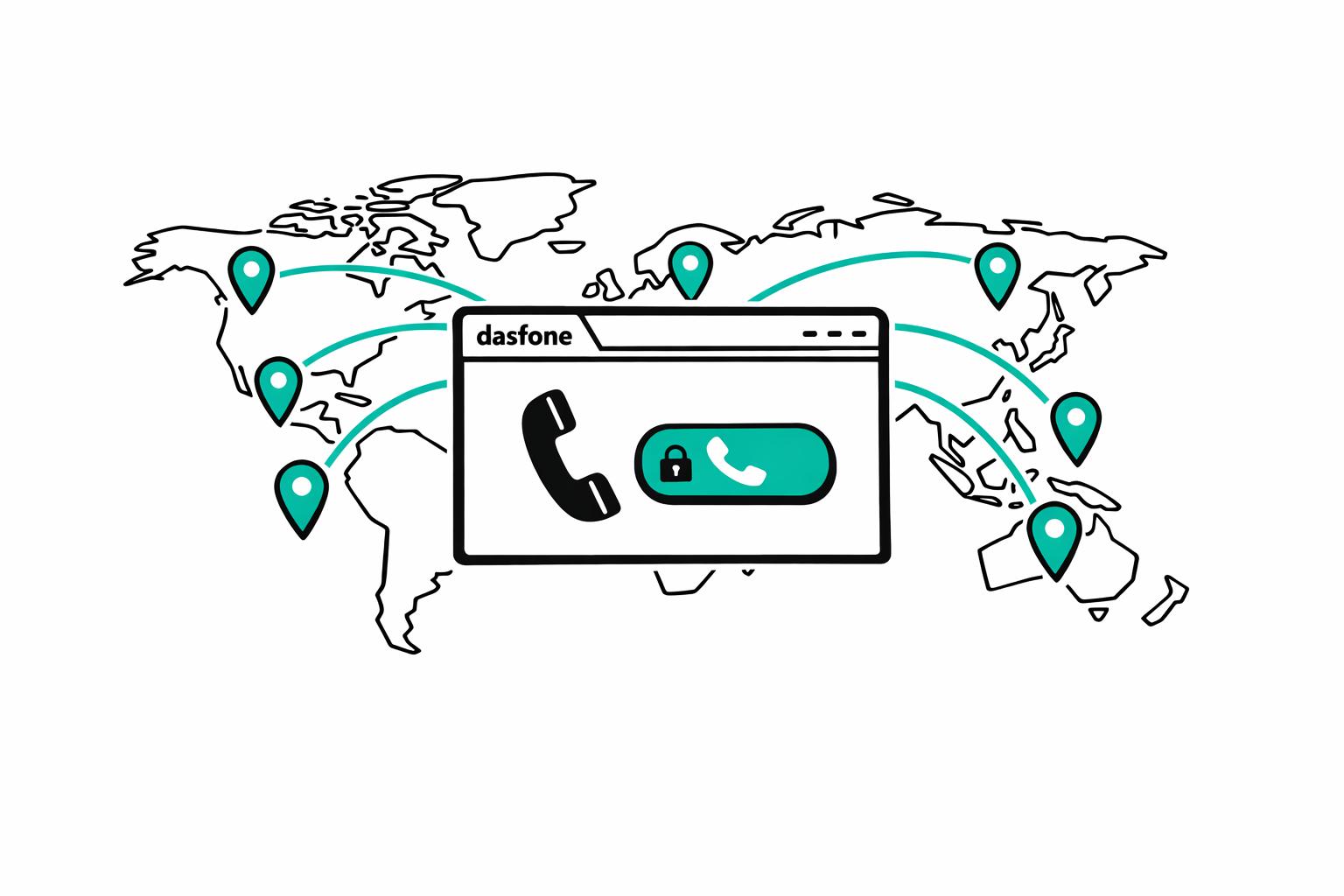
Connecting across borders is easier than ever. Browser-based international calling lets you reach landlines and mobile phones worldwide without downloading apps or paying high fees. Services like dasfone offer clear audio, secure connections, and pay-as-you-go pricing, making global communication simple and cost-effective.
Key Highlights:
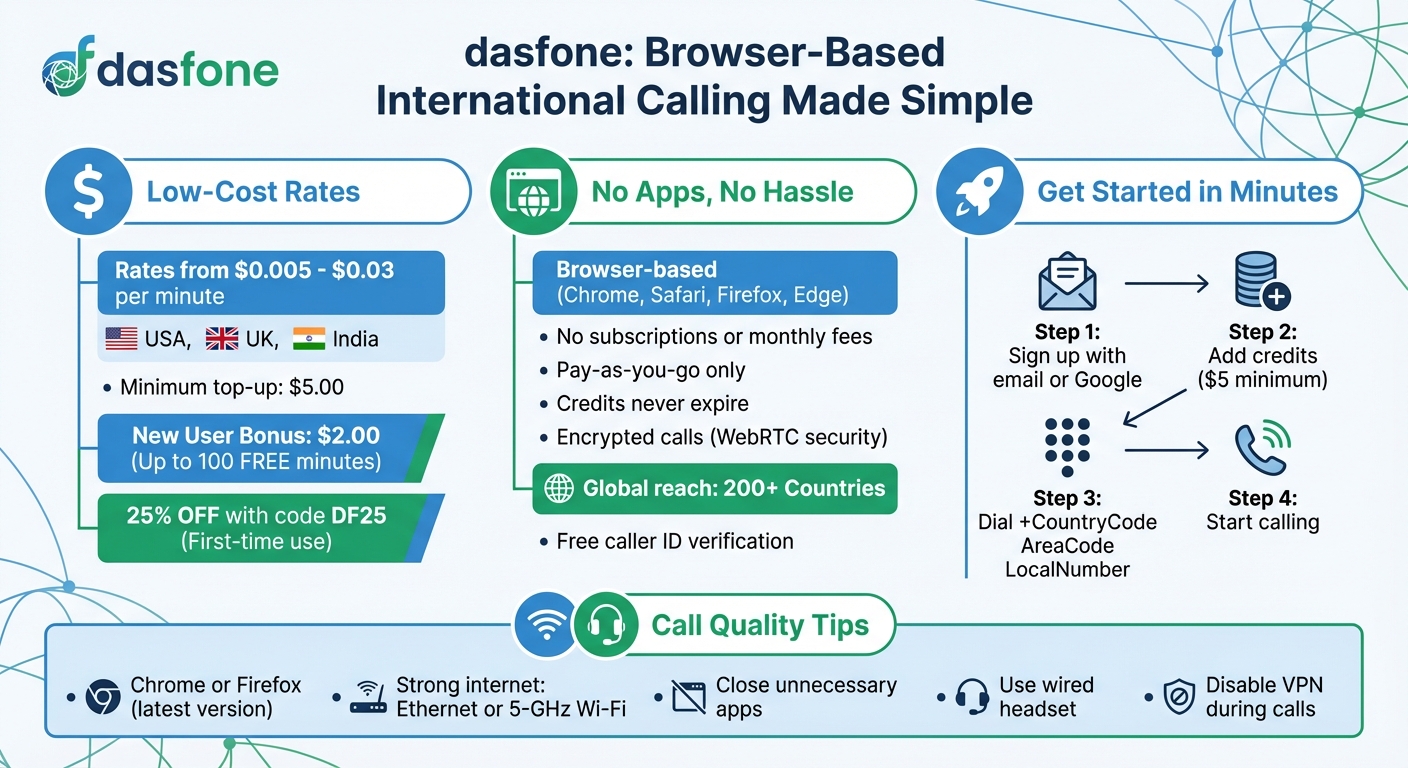
- Low Costs: Rates range from $0.005 to $0.03 per minute for popular destinations like the USA, UK, and India.
- No Apps Needed: Calls happen directly in your browser (Chrome, Safari, Firefox, or Edge).
- Quick Setup: Create an account, add credits, and start calling in minutes.
- Secure: Encrypted calls protect your privacy.
- Global Reach: Call over 200 countries with no app required on the recipient's end.
- Flexible Pricing: Pay only for the minutes you use, with no subscriptions or hidden fees.
Tips for Best Call Quality:
- Use a modern browser like Chrome or Firefox.
- Opt for a strong internet connection (preferably Ethernet or 5-GHz Wi-Fi).
- Close unnecessary apps to avoid network congestion.
- Use a wired headset for better audio clarity.
Browser-based calling is a practical way to stay connected globally, whether for personal or business needs. With no downloads, hidden fees, or complex setups, it’s an efficient solution for international communication.
How to Start Using dasfone
Setting Up Your Account and Adding Credits
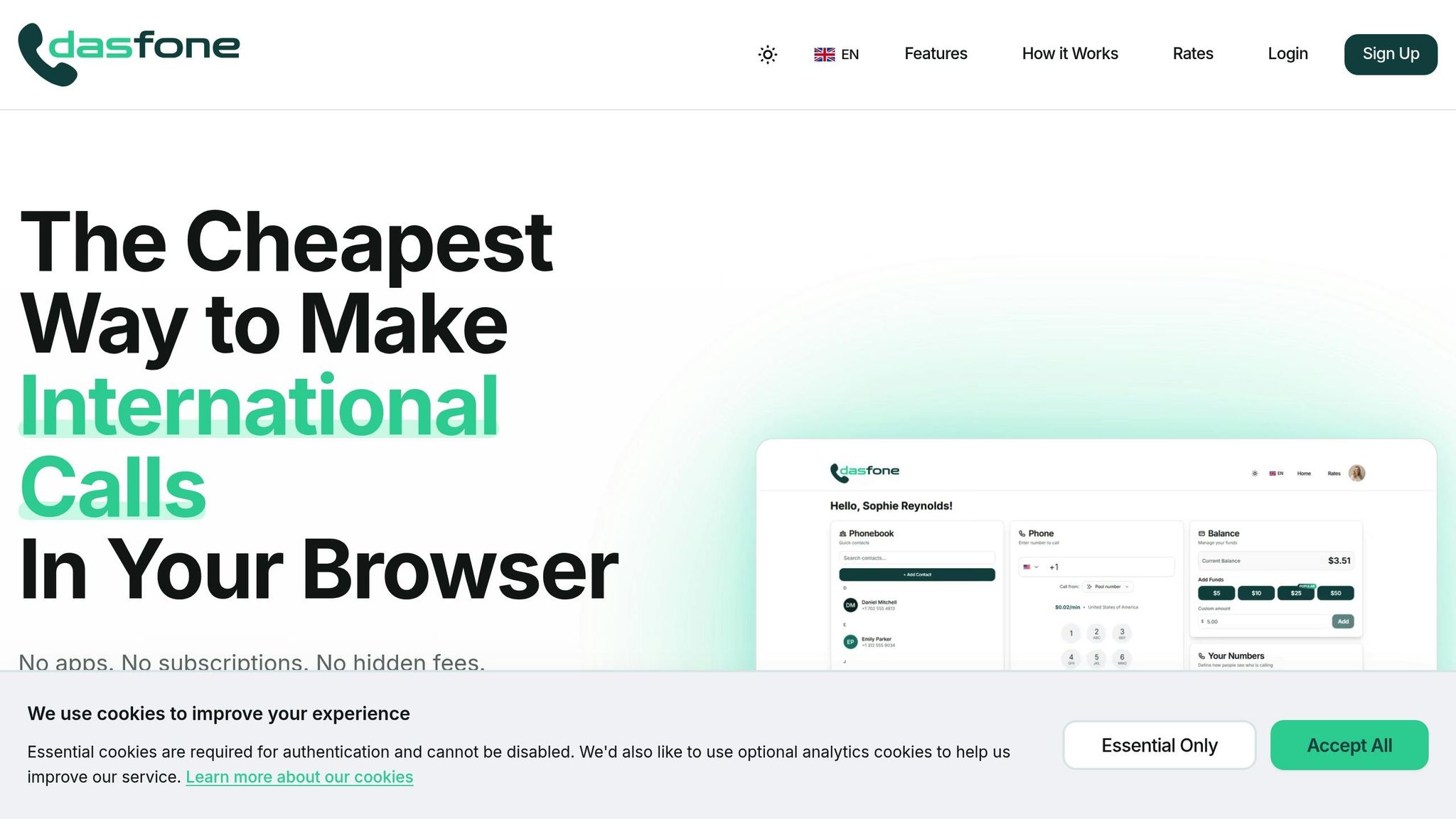
Getting started with dasfone is quick and straightforward. Head over to the website and sign up using your email or Google account - no long verification process required. Once you're in, you'll find a dashboard with a dialpad, phonebook, and your credit balance displayed clearly.
The minimum credit top-up is $5.00, but new users are treated to a $2.00 signup bonus, which can give you up to 100 free minutes depending on the destination. Before adding credits for the first time, don't forget to use the discount code DF25 to save 25% on your initial top-up. Best of all, there are no monthly fees, subscriptions, or hidden charges. You only pay for the minutes you actually use.
Making Your First International Call
With your account set up and credits ready, you're all set to make your first call. Dial the full international number in this format: +CountryCode AreaCode LocalNumber (skip any leading zeroes in the local number). For instance, a UK mobile number starting with 07 would be dialed as +44 7 followed by the rest of the number.
When prompted, allow microphone access so you can start talking. On the other end, the person you're calling will receive it as a regular phone call - they won't even know you're calling from a browser. Plus, your credit balance updates instantly as you talk, so you can keep track of your usage in real time [3].
"Everything you need to make international calls is right at your fingertips in your browser - no apps to download, no complicated setup." - dasfone Team [2]
This simple and hassle-free process highlights dasfone's commitment to making international calling easy and accessible for everyone.
What dasfone Offers
Clear Audio and Encrypted Calls
dasfone ensures crystal-clear voice quality by leveraging WebRTC technology. Its adaptive codecs adjust to your network conditions, so your calls sound great no matter the connection. Calls are routed through VoIP infrastructure with Quality of Service settings that prioritize voice data, reducing delays and ensuring consistent performance.
Security is a top priority, with encryption built directly into the WebRTC framework. This protects your conversations and keeps your communication private.
"WebRTC prioritizes data security and uses encryption standards to secure communication." - VoiceNEXT [4]
Now, let’s look at how dasfone’s pricing model makes it easy to manage your costs.
Pay-As-You-Go Pricing
With dasfone, you only pay for the minutes you use - no subscriptions, no contracts. This pay-as-you-go model means you can keep a balance for occasional calls without the pressure of monthly fees. Plus, your credits never expire.
Before you place a call, the dashboard clearly displays the per-minute rate for your destination. This transparency lets you plan your calls with confidence, knowing exactly what to expect.
This pricing model pairs perfectly with dasfone’s global reach and caller ID features, which we’ll explore next.
Worldwide Coverage and Caller ID
dasfone connects you to landlines and mobile phones across the globe - all from your web browser. The best part? The person you’re calling doesn’t need to install an app or create an account. Calls go through as regular phone calls, ensuring a smooth experience.
To make things even better, dasfone includes free caller ID verification. This feature displays your real number to the recipient, making it easy for them to recognize who’s calling while also ensuring accurate rate calculation.
Whether you’re using a laptop, tablet, or phone, dasfone’s interface works seamlessly, giving you the freedom to make international calls from virtually anywhere [2].
Tips for Better Call Quality
How to Get the Best Call Quality
To make the most of browser-based international calls, ensure your setup is optimized for smooth communication. Start with a browser that supports WebRTC effectively - Google Chrome and Mozilla Firefox are top choices for dasfone calls [5]. Always update to the latest version, as older browsers can cause unexpected audio glitches.
Your internet connection plays a crucial role in call quality. A wired Ethernet connection is ideal, but if you’re using Wi‑Fi, choose the 5‑GHz band when close to your router, or the 2.4‑GHz band if you’re farther away [6][7]. This setup fine-tunes your connection for better voice clarity.
"If you're near your router, use the 5‑GHz Wi‑Fi band instead of the 2.4‑GHz band." - Google Voice Help [7]
To avoid network congestion, close unnecessary browser tabs and high-bandwidth applications before your call. This reduces jitter, which, if it exceeds 30 milliseconds, can distort audio and make it sound robotic [5]. For better sound quality, use a wired USB headset instead of Bluetooth, as Bluetooth devices are more prone to interference and driver issues [5].
If you're using a VPN, disable it before making a call. VPNs can increase latency, leading to delayed audio or even echo effects [7]. Latency above 300 milliseconds can cause noticeable lag and overlapping speech during conversations.
If these steps don’t solve your issues, try the troubleshooting tips below.
Fixing Common Problems
If dasfone isn’t accessing your microphone, check your browser permissions. In Chrome, click the lock icon next to the URL, select "Microphone", and set it to "Allow." Firefox users can click the lock icon, choose "Show connection details", and adjust the "Autoplay" settings to "Allow Audio and Video." For Safari, navigate to "Settings for this website" and enable "Allow All Auto-Play" [7].
One-way audio - where you can hear the other person but they can’t hear you - usually points to firewall restrictions or microphone permission issues. Double-check your microphone settings and disable any active VPN to see if that resolves the problem.
Echo during calls can often be fixed by lowering your speaker volume or switching to a headset to prevent your microphone from picking up the speaker’s output [6].
Dropped calls are often due to router configuration problems. Access your router settings to disable SIP ALG (Application Layer Gateway), which can disrupt VoIP protocols, and ensure your router firmware is updated. Keep in mind that VoIP calls need about 100 kbps in both directions for stable performance, so heavy network activity like streaming or large downloads can degrade call quality [1].
| Issue | Likely Cause | Quick Fix |
|---|---|---|
| Choppy/Robotic Audio | Jitter or packet loss | Switch to Ethernet; close background apps |
| One-way Audio | Firewall or permission error | Verify microphone access; turn off VPN |
| Audio Echo | Speaker feedback into mic | Use a headset; lower speaker volume |
| Dropped Calls | Router configuration issues | Disable SIP ALG; update router firmware |
| Delayed Audio | High network latency | Switch to 5‑GHz Wi‑Fi or wired connection |
How to Make International Calls From a Cell Phone | What Is the +1 On Your Mobile Phone
Conclusion: Making International Calls Simple with dasfone
Staying connected across borders doesn't have to be complicated or expensive. dasfone eliminates the usual hassles of international calling - no apps to download, no subscriptions to manage, and no hidden fees.
With dasfone, you can use any device equipped with a modern web browser - whether it's Chrome, Safari, Firefox, or Edge - on your desktop, tablet, or smartphone [2]. Every call is protected with strong encryption, and the pay-as-you-go pricing ensures transparency, letting you reach landlines and mobile numbers in over 200 countries [2]. By combining features like clear audio, secure connections, and straightforward pricing, dasfone delivers a service designed for ease and reliability.
Getting started is quick and hassle-free, with a signup bonus and a simple three-step process.
"Whether you're calling family abroad, contacting customer service internationally, or conducting business calls worldwide, the process is exactly this simple." - dasfone Team [2]
If you're looking for a dependable and cost-effective way to stay connected globally, dasfone offers a solution that works without unnecessary complexity. As browser-based communication continues to grow, dasfone remains focused on making international calling accessible and straightforward, no matter where you are.
FAQs
Will my calls show my real phone number?
When you make calls using browser-based platforms or VoIP services, the number displayed to the recipient can either be your actual phone number or a virtual one. This is determined by the configuration of the service settings. To manage which number appears, take a moment to review and adjust your platform's settings.
Can I call internationally from my phone browser?
Yes, it's possible to make international calls straight from your phone's browser using platforms that leverage WebRTC technology. These browser-based calling tools let you connect without needing to download apps or install software, offering a fast and convenient solution.
How many minutes will $5.00 typically cover?
For $5.00, you can usually get around 250 minutes of international calling, based on a rate of $0.02 per minute. This makes it easier to budget your calls while keeping expenses manageable and consistent.
Related Articles
Ready to Make International Calls?
Try dasfone today and make your first international call in seconds. No app download, no subscription—just instant, affordable calling from your browser.
Start Calling Now